The flat name plate we already make lies on a shelf or sticks to a door. This one stands up. It prints as two flat pieces, a plate and a small holder, and you slide the plate into the holder so it leans back and reads from across a desk. No glue, no screws, no supports.
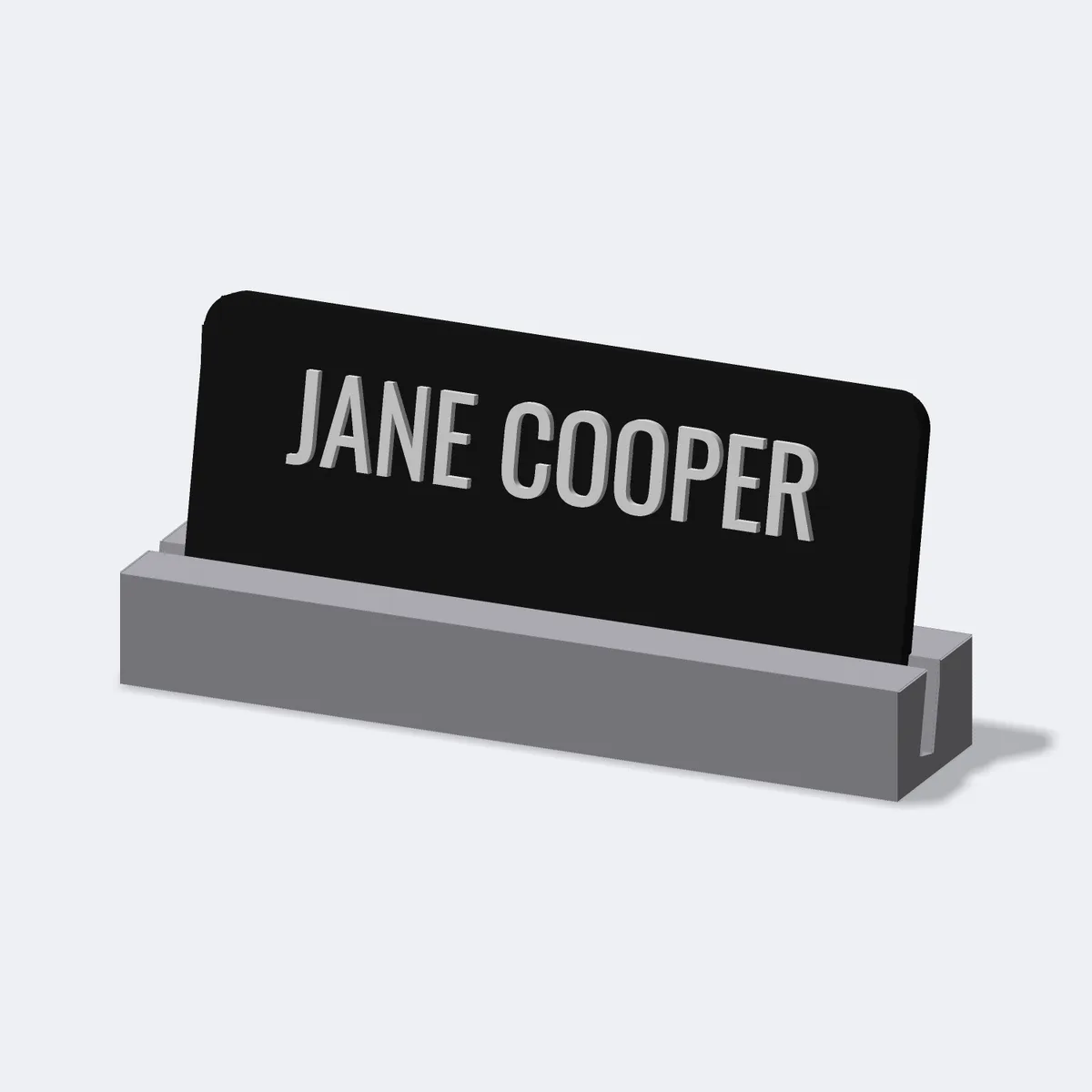
Two parts, printed flat, no supports
3D printers hate overhangs. A name plate standing upright is mostly overhang, so the printer would try to build the back of it on thin air and scar the face on the way. Neither part prints standing. The plate lies flat on the bed, face up, and the holder sits on its foot with the slot opening upward. Both come off the printer clean, with no support material to pick off. You slide the plate down into the holder and you are done.
The slot does the work
It comes down to the gap. The holder has a channel cut into it, tilted back about twelve degrees, and the plate drops into that channel. Get the gap wrong and it fails in one of two dull ways: too tight and the plate will not go in, too loose and it flops around. We leave half a millimetre of clearance, which is about what an FDM printer can actually hold, so the plate slides in with a little friction and stays at the angle once it is seated. That tilt is the reason you can read it sitting down instead of standing over it.
Raised letters or engraved
You choose how the name sits. Raised stands the letters proud of the plate, the usual office look. Flush drops them level with the surface in a second colour, closer to an engraved metal plate. Flush is fussier to print than it sounds. Letters in a tight font nearly touch at the corners, and when you carve them out of the plate those near-touches can leave a hairline crack that splits the print. So before carving, we close the letter shapes by a fraction of a millimetre, then fill the pocket with that exact same shape. The crack never forms, and the inlay sits level with the surface.
Three parts, three colours
The plate, the name, and the holder each get their own colour. A dark plate with a light name in a grey holder is the default, the boardroom look. Swap them for anything you like. On a printer that switches filament mid-print, the name comes out in its own colour with no painting and nothing to peel.
Make one
Type a name, a title, or the desk you want to claim. Pick raised or engraved, choose the colours, and watch it build in 3D as you type. Download the file, print both parts, check the slide fit, and slot them together. If you want a made-to-order product like this in your own shop, that is the kind of thing disip builds.